My KPOP Shop Updates Hub
Launch timeline, weekly patches, and code milestones.
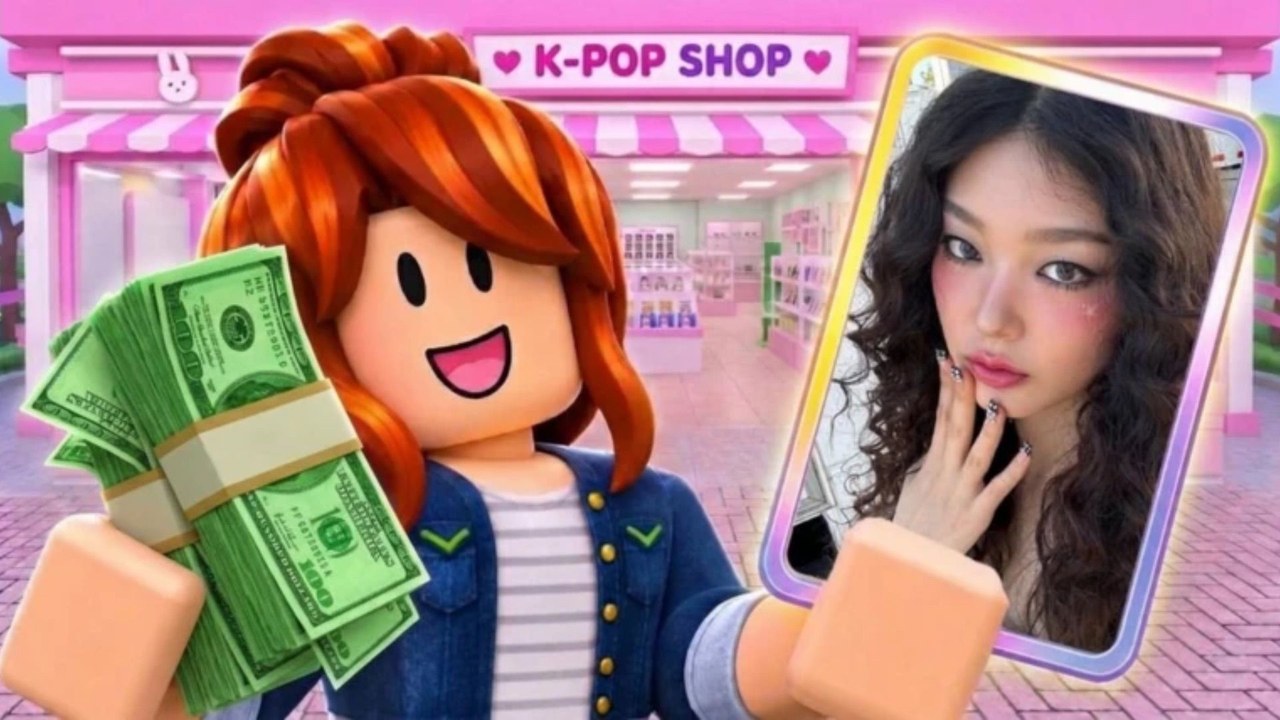
The Updates Hub tracks what changed in My KPOP Shop and what the community should watch next. The experience launched on 22 October 2026 as a Chuuves Roblox shop sim: stock merch, serve fans, catch thieves, hire restocker/cashier/guard, decorate group themes, open packs for photocards, claim dailies, earn while offline, and climb sales rankings. The game description points to weekly updates, so this hub is meant to stay current—not a one-time launch dump.
Pages in this hub
- November 2026 Launch Notes — release context, early systems, and what to prioritize after launch week
- Milestone Codes — how likes and favorites unlock new promo codes, plus current known codes
Start with November notes if you just joined. Use milestone codes whenever you redeem gifts or plan a ranking push with friends.
Why update tracking matters here
Shop sims feel simple until a patch tweaks:
- Product prices or demand
- Staff hire costs or efficiency
- Thief frequency
- Pack / photocard odds presentation
- Offline earnings or daily reward tables
- Ranking season rules
Any of those can reorder advice on Staff Tier List, Products, and Photocards. After each weekly drop, skim this hub, then refresh your shop checklist and money guide habits.
Launch-era facts to remember
- Play link: My KPOP Shop on Roblox
- Co-op up to 6 players with +10% earnings per friend on the server — details on Friend Bonus
- Codes redeem in Settings; known early codes include KPOPSHOP, 250LIKES, and MONEYPLEASE — always verify on Codes
- Community Discord: use the invite listed on Official Links (
https://discord.com/invite/DXgBEaQ5RZ) - Next commonly discussed milestones: 2500 likes and 5000 favorites for more codes — see Milestone Codes
How we write update pages
Each child page should answer:
- What shipped or what milestone is being tracked
- How it affects cash, staff, stock, or packs
- What you should do this week (hire, restock, redeem, invite friends)
- Links into guides and tier lists so you do not reread the whole wiki
We avoid inventing patch notes that were never published. If an official changelog is thin, we document player-facing systems and confirmed milestones instead of fake version numbers.
Weekly player routine after patches
- Redeem any new codes in Settings
- Walk the floor: empty shelves, thief pressure, queue length
- Revisit staff priority if hire costs or roles feel different
- Adjust stock using products
- Invite friends for the earnings bonus before a sales rankings session
- Only then open packs toward binder goals on photocards
Related reading
- Getting Started for day-one systems
- Hire Staff when NPCs unlock or change
- Players Hub for roles and competition framing
- Tier List Hub for spend priority
- Tools Hub for checklists and money tips
- Scripts for community tooling notes (risk aware)
Stay patch-aware and your shop stays profitable. Bookmark this Updates Hub, check Discord after weekly drops, and jump into the November and milestone pages whenever likes, favorites, or launch systems are the conversation of the week.
Frequently Asked Questions
Quick answers for My KPOP Shop shop owners.
When did My KPOP Shop release?
The game released on 22 October 2026 on Roblox. See November 2026 notes for launch-era systems and priorities.
How often does the game update?
The game description indicates weekly updates. Recheck this hub and Codes after each drop.
Where are new codes announced?
Watch Discord and the Codes page. Milestone likes and favorites also unlock codes—see Milestone Codes.
Do updates change tier lists?
They can. Economy, staff, thieves, or packs may shift priorities on the Tier List Hub pages.