My KPOP Shop Scripts
No verified dedicated scripts yet — safety first, feature wishlist, and how to judge tools.
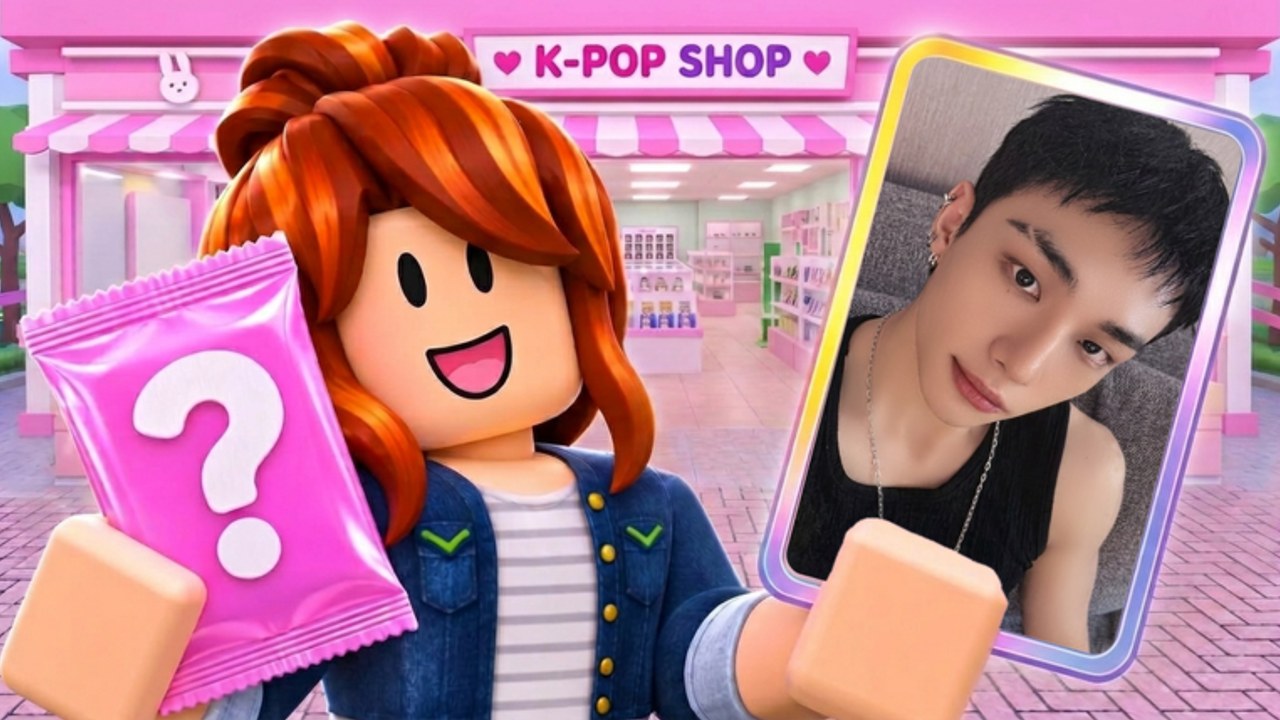
My KPOP Shop is a new Roblox shop simulator from Chuuves, and the script scene is still catching up. This hub is intentionally honest: as of our November 2026 review we did not find a dedicated, widely verified My KPOP Shop script on major listings such as ScriptBlox, NoKeyScript, or RScripts that we could responsibly recommend. That means we will not invent fake loadstrings, paste mystery GitHub gists, or pretend a universal “KPOP auto farm” is confirmed for this place.
If you still research executors and community scripts on your own, treat every file as untrusted until proven otherwise. Read script safety before you install anything. Prefer free codes, smart stocking, staff hires, and co-op bonuses — those are official paths that cannot ban you for redeeming a Settings code.
Current status (honest summary)
| Topic | Status |
|---|---|
| Dedicated verified My KPOP Shop script | Not found yet on major script indexes |
| Universal GUI that “supports all games” | Unverified for this title; high risk |
| Official codes / Settings redeem | Supported — see Codes Hub |
| Co-op friend earnings bonus | Official (+10% per friend on your server) |
When a reputable, game-specific script appears and the community stress-tests it, this hub can grow a feature list and usage notes. Until then, empty promises help nobody.
Features players usually look for
Even without a verified release, it helps to know what automation would target in this loop so you can evaluate future tools:
- Auto restock — places albums, lightsticks, and packs back on shelves when stock hits zero.
- Auto checkout / ring up — speeds serving fans during rushes.
- Auto catch thieves — reacts when steal events fire so you lose less merch.
- Super-fan request helpers — flags or completes special customer requests faster.
- Farm assists — photocard pack opening or binder sorting aids (often risky if they spam remote calls).
- Anti-AFK — keeps the client present for offline-adjacent earnings windows (still against many ToS interpretations).
Any tool advertising all of the above on day one of a new game deserves extra skepticism. New places change remotes often; brittle scripts break or worse, ship malware under a “key system” wall.
Why we refuse fake loadstrings
Publishing a made-up loadstring(game:HttpGet(...)) line would waste your time and could point you at phishing sites. This wiki will never fabricate a working script claim for My KPOP Shop. If another site shows a generic GUI, verify the place ID matches 128223803884544 / universe 10772459222, read comments for ban reports, and follow the checklist on script safety.
Safer ways to progress without scripts
- Redeem working codes like
KPOPSHOP,250LIKES, andMONEYPLEASE. - Follow Getting Started for shelf priority and early hires (restocker, cashier, guard).
- Invite a friend for the official +10% earnings co-op bonus.
- Level up to unlock products and furniture instead of chasing illegal remote spam.
- Use daily rewards and offline earnings as designed.
- Track changes on Updates so you are not following outdated exploit rumors.
If you still use an executor
Players who run third-party executors typically inject a client tool, then paste a script source. That pattern alone does not make a script safe. Account bans, stolen cookies, and clipboard malware are common outcomes of random Discord files. Never enter your password into a script UI. Never disable antivirus to “make it work.” Never pay for a key that only unlocks a login stealer.
This wiki does not teach bypasses, does not host executors, and does not endorse breaking Roblox Terms of Use. We document what the community looks for so you can make an informed risk decision — and so you know the honest state of My KPOP Shop tooling.
Community and official channels
For real game news, use the Discord invite and the Roblox game page. For curated wiki destinations, see Official Links. Script gossip in random servers is not a substitute for place-specific verification.
Related pages
- Script safety — how to evaluate files and red flags
- Codes Hub — free official rewards
- How to redeem — Settings path
- Guides Hub — legitimate shop strategy
- Updates Hub — patch awareness
Frequently Asked Questions
Quick answers for My KPOP Shop shop owners.
Are there working My KPOP Shop scripts?
We have not found a dedicated verified script for this game on major indexes yet. The game is new. This hub will stay honest rather than invent loadstrings.
What script features would matter for this game?
Typical wishlist items are auto restock, auto checkout, auto catch thieves, and helpers for super-fan requests. Treat any tool that claims all of that immediately with caution.
Can scripts get my account banned?
Yes. Client exploits violate Roblox rules and can lead to moderation. Malicious scripts can also steal accounts even if the game features “work.”
Is using codes the same as using scripts?
No. Promo codes redeem in the official Settings UI and do not require an executor. Prefer codes and co-op bonuses when you want safe progress.
Where should I read before trying any script?
Start with the script safety page on this wiki, confirm the place ID, and ignore anyone demanding your password or cookie.