How to Redeem My KPOP Shop Codes
Settings menu path, reward checks, and fixes when a code will not accept.
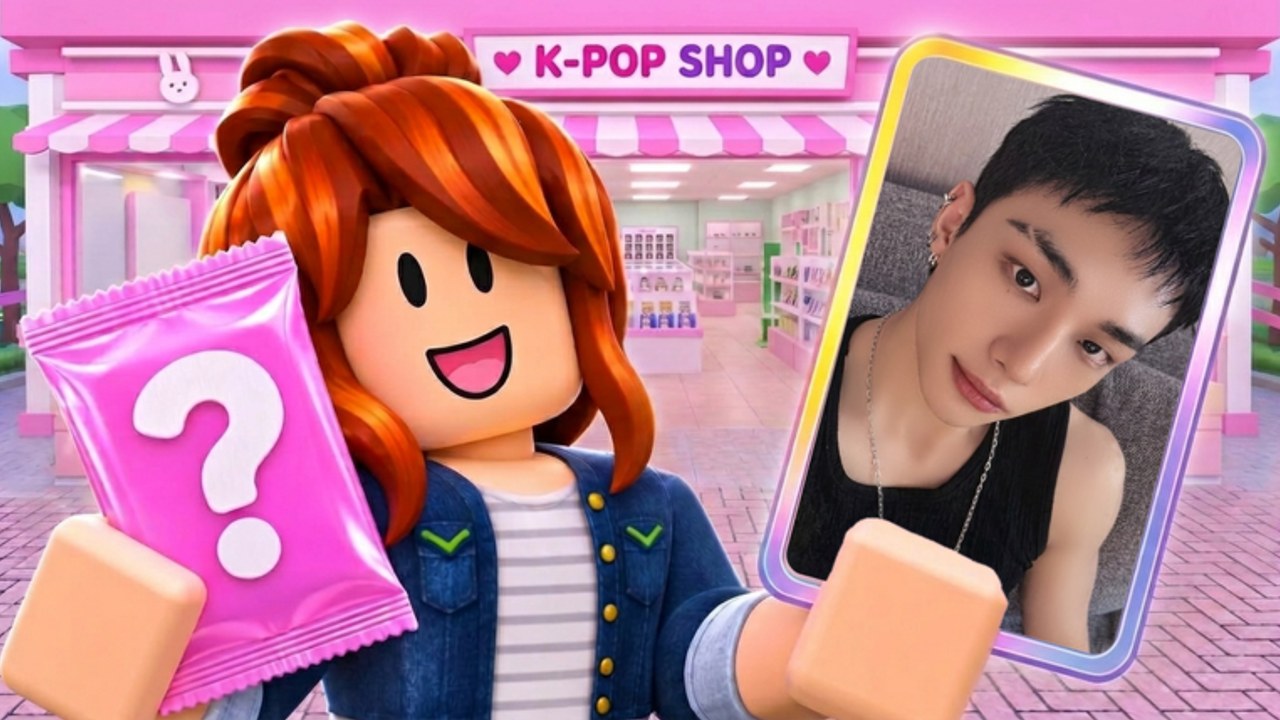
Redeeming codes in My KPOP Shop takes under a minute once you know where the box lives. This guide walks through the Settings path most players use, notes alternate UI labels some write-ups mention, lists every active code to try, and covers the usual reasons a redeem fails. Pair it with the live list on the Codes Hub so you always paste a current string.
My KPOP Shop is a Roblox shop simulator by the Chuuves group. You stock albums, lightsticks, and packs, ring up fans, catch thieves, hire staff, decorate with group themes, and open photocard packs for your binder. Free codes speed that loop without Robux, which is why getting redemption right on day one matters.
Before you redeem
- Launch Roblox and open My KPOP Shop.
- Finish any mandatory tutorial prompts so Settings is fully unlocked.
- Copy a code from the Codes Hub into your clipboard — do not retype from memory if you can avoid it.
- Decide when to spend the reward. Flat cash can go straight into stock; 2x money timers should start only when you can play actively for about thirty minutes.
Step-by-step: Settings redeem
- Enter your shop server (solo or with a friend invite).
- Open the Settings menu from the on-screen UI.
- Locate the codes / redeem text field. GameRant and similar guides describe pasting the code here. Some players also report a dedicated Codes button or a Twitter-bird style icon that opens the same box — use whichever control your client shows.
- Paste one code exactly:
KPOPSHOP,250LIKES, orMONEYPLEASE. - Confirm or press the redeem / submit control.
- Watch for a success message and check your cash or active boost indicators.
- Close Settings and get back to stocking and checkout so the reward is not sitting idle.
Repeat for each unused code. Do not paste multiple codes into one field at once.
Active codes to enter
| Code | Reward | Best time to redeem |
|---|---|---|
KPOPSHOP | $150 cash | First session, before a big restock |
250LIKES | 2x Money / Cash for 30 minutes | When shelves are stocked and you can stay online |
MONEYPLEASE | 2x Money for 30 minutes | Same as above; avoid overlapping timers unless the game clearly stacks them |
Milestone teases for 2500 likes and 5000 favorites may add more codes later. When they appear, redeem with the same Settings steps.
After a successful redeem
Cash rewards should go into products that sell and into hires that remove busywork. A restocker keeps shelves full; a cashier helps during rush; a guard helps with thieves. Expanding and decorating with group themes is fun, but empty shelves hurt sales rankings more than a missing sofa.
2x money windows reward focused play. Keep ringing fans, restocking, and catching thieves. Invite a friend for co-op — +10% earnings per friend on your server stacks with a strong sales pace. Offline earnings still help when you leave, but multipliers are meant for active sessions.
Photocard packs and binder completion are a long-term sink. Use code cash for packs only after core shelves and staff are stable, unless you specifically want collector progress that session.
Troubleshooting failed codes
Typo or extra space. Paste from the hub table. Hidden trailing spaces break many Roblox code boxes.
Already redeemed. Codes are once per account. A second attempt after success will fail even if the string is correct.
Wrong place. Chat messages are not redeem codes. The string must go in the Settings (or Codes) field inside My KPOP Shop.
Expired or retired. Milestone codes can be turned off after a wave. If every known code fails and your typing is perfect, check Updates and the Discord for retirement notes.
Client desync. Rejoin the experience, then try Settings again. A soft rejoin fixes many UI submit glitches.
Private server oddities. If you test in a private or nearly empty server and the UI looks incomplete, rejoin a normal session and retry.
Safety notes
Never share your Roblox password or cookie with someone who offers to “redeem for you.” Never download a random executor just to claim a free code — codes do not need scripts. For automation risk topics, read the Scripts Hub and script safety pages. This wiki never invents loadstrings and currently notes that no dedicated verified scripts for My KPOP Shop were found on major script sites when the game was still new.
Co-op redeem etiquette
Each player redeems on their own account. Your friend’s code claim does not fill your inventory. When you invite someone to work in your shop, both of you can redeem separately, then run the shop together so the friend earnings bonus and any active 2x timer both work harder.
Related reading
- Codes Hub — live table and milestone notes
- Getting Started — first-hour priorities after claiming cash
- Guides Hub — shop systems beyond codes
- Official Links — Roblox page and Discord invite
- Updates Hub — when new codes are announced
Stay patient if a brand-new code lags a few minutes after a social post. Refresh this guide and the hub rather than guessing alternate spellings. Correct paste + Settings field + one attempt per code covers almost every successful redeem in My KPOP Shop.
Frequently Asked Questions
Quick answers for My KPOP Shop shop owners.
Where is the code box in My KPOP Shop?
Open the Settings menu and use the redeem / codes text field. Some clients also show a Codes button or Twitter-bird style entry that opens the same input.
Why does my code say invalid?
Common causes are typos, extra spaces, already redeemed on that account, expired codes, or pasting into chat instead of Settings. Copy from the Codes Hub and rejoin if the UI glitches.
Can I redeem codes on mobile?
Yes if Settings is available on your device. Paste carefully — mobile keyboards sometimes insert spaces. A clipboard paste is safer than typing.
Do I need a script to redeem codes?
No. Codes redeem inside the official game UI. Avoid anyone who claims you must run an executor only to claim KPOPSHOP or other free codes.
Should I redeem 2x money before stocking?
Stock first when you can. Starting a thirty-minute multiplier with empty shelves wastes most of the boost window.